
“Free” is doing a lot of heavy lifting in most guides about AI image generators. It usually means free until you hit a wall you didn’t know existed, somewhere around image number twelve.
Here’s the direct answer: the most useful free AI tools for image generation right now are Google Gemini (Nano Banana 2), Adobe Firefly, Ideogram, Leonardo AI, and Microsoft’s Image Creator, and each one gives you a genuinely usable daily or monthly allowance without a credit card. None of them are unlimited, and the fine print on commercial use varies more than most comparison lists let on.
If you’re also exploring AI tools for written content, you may want to compare these image generators with other options in our guide to the best AI tools for content writing in 2026. Looking at image and writing tools together can help you build a more complete AI-powered content workflow. This piece breaks down what “free” actually means in practice, which tool fits which job, and where these tools quietly stop being free the moment your project gets serious.
What “Free” Actually Means With These Tools
Most free AI image generators don’t hand you unlimited generations. They give you a credit or token allowance that resets daily or monthly, and the math behind that allowance is rarely explained clearly.
Take Adobe Firefly. The free plan gives you 25 generative credits, and each standard Text to Image generation costs 1 credit and returns four image variations. That works out to 100 image options a month, which sounds generous until you remember that Generative Fill and other premium features can burn through several credits per click. Adobe’s own generative credits FAQ confirms that free-tier credits are allocated the moment you first use a Firefly feature, not on a fixed calendar date, and they expire exactly one month later.
Google Gemini works differently. Free users get roughly 20 images a day through Nano Banana 2 (officially Gemini 3.1 Flash Image), and that allowance refreshes daily rather than pooling into a monthly bucket. Leonardo AI uses a token system instead of a flat image count: 150 tokens a day, which translates to somewhere between 15 and 35 images depending on the model and resolution you pick.
None of this is a scam. It’s simply how these companies manage server costs while still letting casual users create real work at no charge. The catch is that comparison articles rarely spell out the mechanics, so people assume “free” means “unlimited” and get blindsided halfway through a project. For anyone unfamiliar with the broader technology behind these tools, understanding generative AI and how it creates content can make the differences between image generators much easier to understand.
Matching the Tool to the Job
Ranking these tools 1 through 10 misses the point, because the best pick depends entirely on what you’re making.
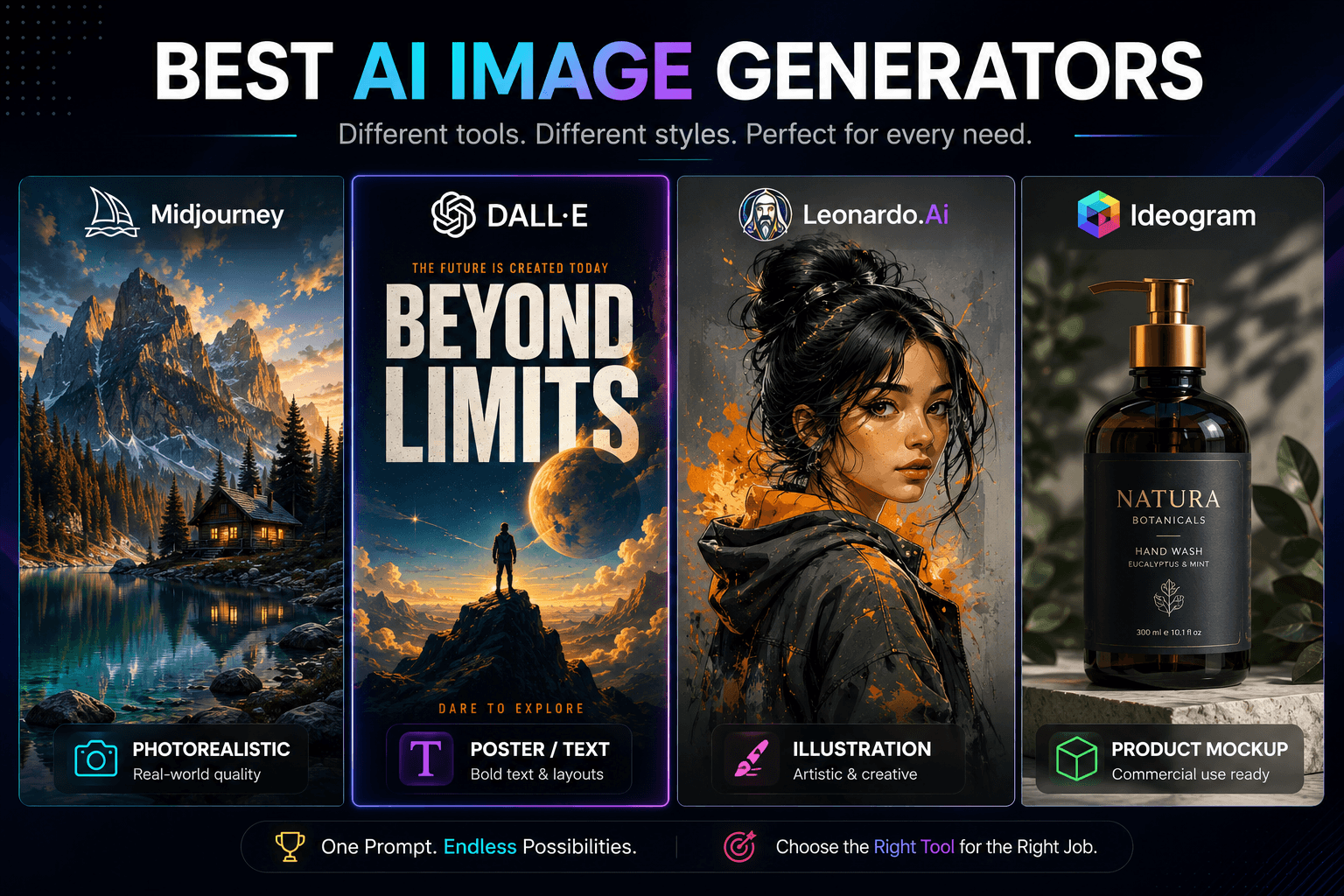
For realistic, general-purpose images: Google Gemini’s Nano Banana 2 currently produces some of the most photorealistic output of any no-cost option, and it handles prompts like “a vintage Polaroid of a café at golden hour” with accurate lighting and texture instead of the plastic-looking skin and warped hands that plagued earlier free tools. It’s the strongest all-around default if you’re not sure where to start.
For posters, signs, or anything with readable text: Ideogram is still the outlier here. Most AI image models mangle text inside images, turning “SALE” into something closer to alien script. Ideogram was built specifically to solve that, and its free tier remains the go-to for logos, social graphics, and posters that need words to actually read correctly.
For style variety and concept art: Leonardo AI lets you switch between models tuned for photorealism, anime, fantasy art, and product photography inside one account, which most other free tools don’t offer. If you’re a hobbyist illustrator or game designer sketching concepts, that flexibility matters more than raw image count.
For commercially cautious work: Adobe Firefly is trained only on licensed Adobe Stock content and public domain material, which is why it’s the tool most often recommended for anyone nervous about copyright exposure in client work, even on the free tier.
For zero-friction, no-signup speed: Microsoft’s Image Creator (formerly Bing Image Creator, now folded into the Copilot and Designer branding) runs on DALL-E 3 and only needs a Microsoft account you probably already have. It’s fast, but locked to square 1024×1024 output with no upscaling, so it’s better for quick drafts than final assets.
If you’re creating a complete content campaign rather than images alone, combining an image generator with tools for writing, research, and editing can make the workflow considerably more efficient. Our guide to the best AI tools for content writing in 2026 is useful for finding complementary tools on the writing side.
A small Etsy seller mocking up four seasonal product backgrounds, for example, would burn through Firefly’s entire monthly free allowance in a single afternoon of testing variations, while the same task on Gemini’s daily-refresh model could stretch across a week without ever hitting the ceiling. The right tool really does depend on how you work, not just which one scores highest on a feature checklist.
Commercial Use Rights: The Part Most Guides Skip
This is where free AI image generation gets genuinely confusing, and honestly, it depends on the tool enough that a blanket answer would be misleading.
Adobe Firefly is the clearest case: because it trains exclusively on licensed and public domain content, Adobe explicitly allows commercial use of Firefly outputs, even from the free plan, though watermarking and resolution limits still apply until you upgrade. Google’s terms for Gemini-generated images are broader but less explicit about indemnification, meaning Google doesn’t promise to defend you if a training-data dispute arises. Leonardo AI’s commercial terms are more nuanced still, tied to which specific plan and model you used, so it’s genuinely worth reading the terms page before using an output in paid client work rather than assuming it’s covered.
The practical rule: if you’re putting a free-tier AI image in front of paying customers or a client, check that specific tool’s current terms of service before you ship it. Don’t extrapolate from what a different free AI tool allows, because the licensing language is not standardized across the industry the way people assume it is.
Where These Tools Fall Apart
Every free AI image generator eventually hits a ceiling, and knowing where that ceiling sits saves you from building a workflow around a tool that can’t actually support it.
Watermarks are the first wall. Firefly, Bing’s Image Creator, and several others stamp a small logo or watermark on free-tier images, which is fine for drafts but unusable for finished client deliverables. Resolution is the second wall. Bing’s tool is capped at a fixed square format with no upscaling, which becomes a real problem the moment you need a 16:9 banner or a 9:16 story graphic. Speed is the third. Once you exhaust your fast-generation quota on tools like Bing’s Image Creator, you’re pushed into a slower queue that can take several minutes per image instead of seconds.
None of these limits make the free tools bad. They just mean these tools are built for exploration, drafts, and lower-stakes content, not for a publishing operation that needs fifty finished, watermark-free images a day.
The One Thing Worth Doing Differently
Most guides tell you to pick one free tool and stick with it. A smarter approach, especially for Firefly specifically, is to control when your credit window starts. Because Adobe allocates your 25 free credits the moment you first touch a Firefly feature, not on a fixed calendar date, you can hold off activating that allowance until right before a real project starts.
Sign up for the account early, explore the interface without generating anything, and only trigger your first Text to Image generation when you’re actually ready to use all 25 credits productively. That single timing decision effectively gives you a full, fresh 30-day window exactly when you need it, instead of watching a chunk of your free month tick away while you were just poking around.
FAQ
Can I legally use free AI-generated images for my business?
It depends on the tool. Adobe Firefly explicitly permits commercial use because it trains on licensed content. Others are less clear on indemnification, so check the specific tool’s current terms before using an image in paid work.
Which free AI image generator has the highest daily limit?
Google Gemini’s Nano Banana 2 currently offers around 20 free images per day, which resets daily rather than pooling monthly, making it one of the more generous no-cost options for regular use.
Do free AI image tools always add a watermark?
Not always, but often. Adobe Firefly and Microsoft’s Image Creator both watermark free-tier output, while Google Gemini’s free images through the app generally come without one.
Is there a free AI image generator that needs no signup at all?
Craiyon remains one of the only tools that works instantly with no account, though the tradeoff is noticeably lower image quality and realism than signup-based tools like Gemini or Ideogram.
Which free tool handles text inside images best?
Ideogram. Most AI models distort letters and words rendered inside an image, and Ideogram’s free tier is built specifically to keep text legible in posters, signs, and logos.
Do free credits roll over if I don’t use them?
No, typically not. Adobe Firefly’s free credits expire exactly one month after your first use of a Firefly feature, and unused Gemini daily allowances simply reset rather than accumulate
